Keyboard Chatter vs Normal Key Repeat
Tell held key repeat from unwanted repeated presses using controlled taps and a keyboard event log.
Begin with short taps
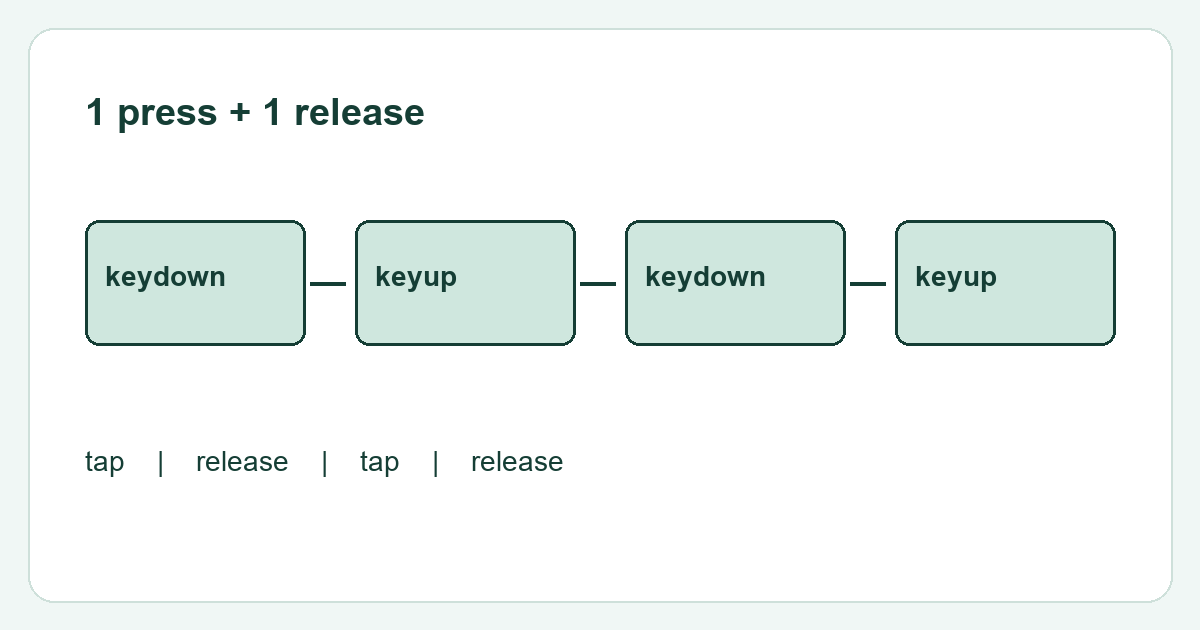
Chatter usually describes unwanted repeated input from what you intended as one press. Normal key repeat occurs while you keep a key held. Tap one ordinary letter briefly and release it fully between attempts. Compare the event log with the characters produced in a simple text field.
Compare holding and tapping
Hold the same key deliberately for a moment, then release. Browsers can mark repeated keydown events with a repeat flag. That expected stream should not automatically be labelled chatter. A tool's short interval threshold is a screening rule, not proof that a switch needs replacement. Record the actual pattern of down and up events.
Rule out the application
Try the same key in another ordinary application with the same keyboard layout. Check whether a macro, accessibility setting or remapping utility is active. If possible compare another keyboard on the same computer. Repeated unwanted events that follow one keyboard across computers are more informative than one duplicated character in a single editor.
Keep the evidence specific
Note which key, whether it was tapped or held, and the frequency of the unwanted result. Different switch types and firmware can behave differently. Follow manufacturer cleaning and support instructions if the symptom persists. The browser can report incoming events but cannot directly inspect contacts or determine an electrical debounce setting.