Controller Stick Drift: Compare Rest and Return
Observe neutral stick positions and repeatable return behavior without treating every small axis value as a failure.
Start without touching the stick
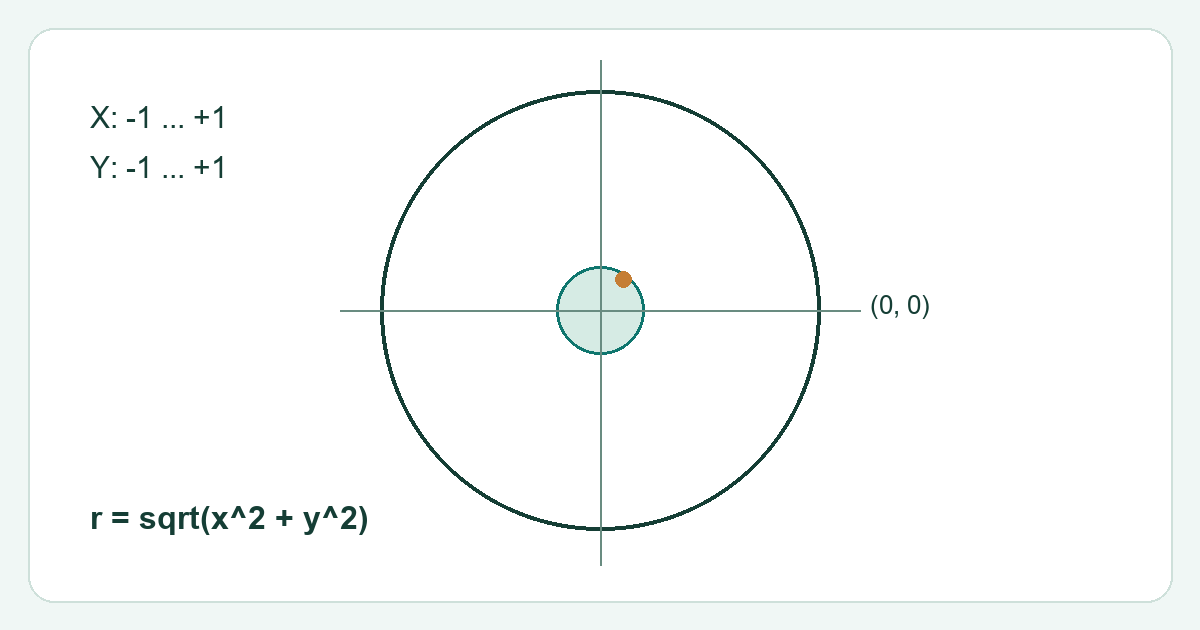
Place the controller on a stable surface and connect it normally. Focus the test and press a button if required for detection, then leave the sticks untouched. Observe the resting axis position for a short period. Small variations can occur, and a browser reports normalized values rather than directly measuring the sensor voltage.
Compare several returns
Move one stick fully left and release it gently. Repeat right, up and down without snapping it aggressively. Check whether the resting point repeatedly moves away from centre in one direction. Test one stick at a time so the observations remain clear. Record the connection mode and any active controller profile.
Separate raw values from game behavior
A game can apply a deadzone, response curve or calibration. A visible offset in a browser does not guarantee unwanted movement in every game. Conversely, a game with a small deadzone can make a modest offset noticeable. Compare the symptom in the intended game using its documented settings.
Choose the follow up
Repeat on another supported connection or computer if possible. Save a short set of resting values rather than only the worst instant. If the symptom persists, use manufacturer calibration or service guidance. Do not open the controller or apply liquid because a browser value is slightly different from zero.