Controller Vibration Not Working in a Browser
Check controller detection, browser support and connection mode before assuming a rumble motor has failed.
Detection and vibration are separate
A controller can report buttons and axes through the Gamepad API while browser vibration remains unavailable. Haptic support varies with the browser, operating system, controller and connection method. An unsupported result describes that software path. It does not prove that the controller has no vibration motors or that they are broken.
Start with the input test
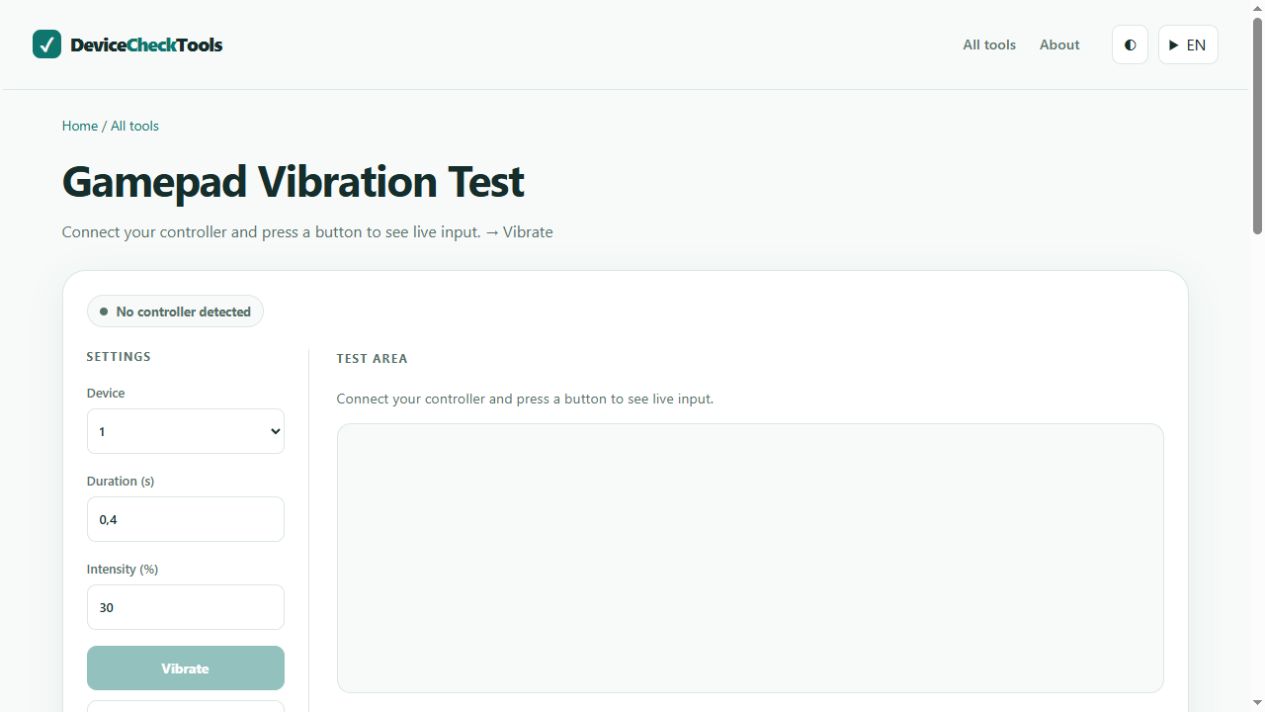
Connect the controller, focus the page and press a normal button. Check that the correct controller slot appears and that buttons respond. Close another application that might be controlling the device. If several controllers are connected, select the intended one before requesting a short vibration. Use the tool's stop control when you finish.
Compare another connection
If the controller supports a data connection over USB, compare it with Bluetooth using the same browser. A charging cable may provide power without data. Reconnect the device and refresh the page after changing modes. Compare with a known compatible game or the manufacturer's application using its normal vibration setting. Do not install an unknown driver just to make a web test pass.
Record what actually worked
Note the controller model, browser, operating system and connection mode. If buttons work everywhere but vibration works only in a native game, browser support is a stronger explanation than a motor fault. If vibration fails in every supported application with the relevant settings enabled, follow manufacturer troubleshooting. Browser tests alone cannot identify a failed internal component.