Prepare a Screen Before a Pixel Test
Set native resolution, clean safely and choose viewing conditions that make a pixel inspection easier to repeat.
Remove avoidable distractions
Use the display's native resolution where available and keep the browser zoom at its normal setting. Move the test to the screen you intend to inspect. A fullscreen solid field removes window borders and desktop content that can conceal a small spot. Hide notifications for the short inspection if you can do so without missing something important.
Clean without pressure
Turn off or disconnect the display as recommended by its manufacturer. Use the specified cloth and cleaning method. Do not spray liquid directly onto the panel, scrape a mark or push on a suspicious dot. Dirt can mimic a pixel problem, but force used during cleaning can create a real panel problem.
Choose useful light
Use moderate room lighting and a comfortable screen brightness for the first pass. Inspect at a normal viewing distance, then look closer where a suspicious location appears. Very high camera exposure and very dark rooms can exaggerate some visual effects, so document your conditions instead of treating a dramatic photograph as a measurement.
Follow a fixed color order
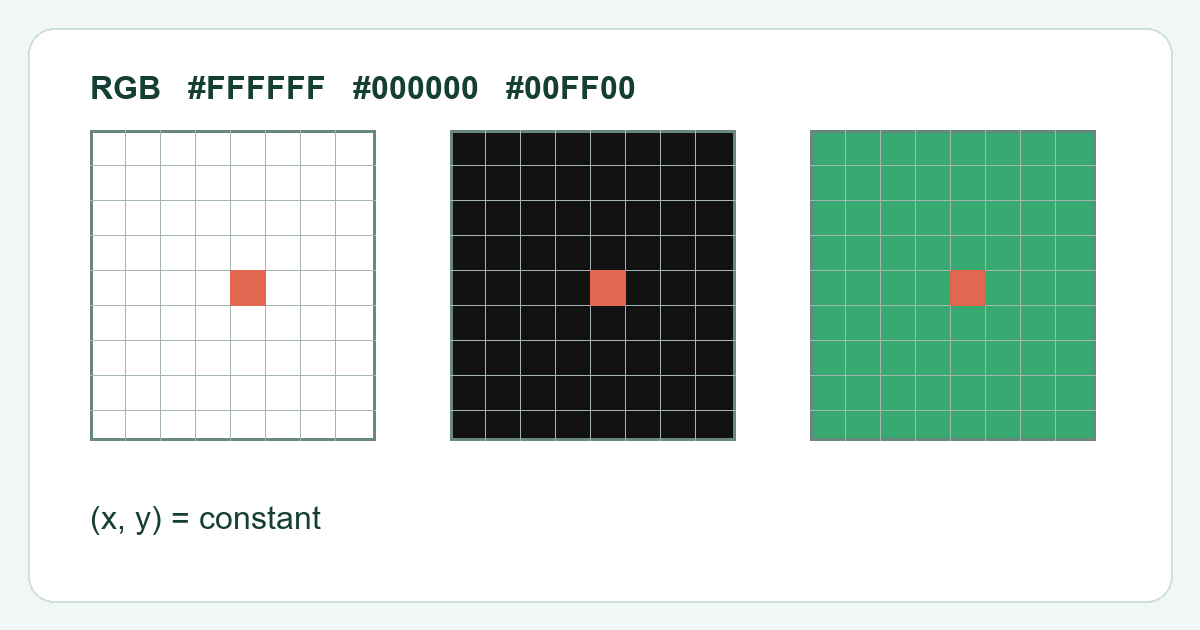
Inspect white, black and the primary colors in the same order on each attempt. Mark the location on a separate sketch rather than touching the screen. Repeat the sequence before reporting the spot. The purpose of preparation is a reproducible observation; it does not turn a browser pattern into a manufacturer quality certification.